Guide callers with clear menus, routing, and destinations.
02
Work across locations
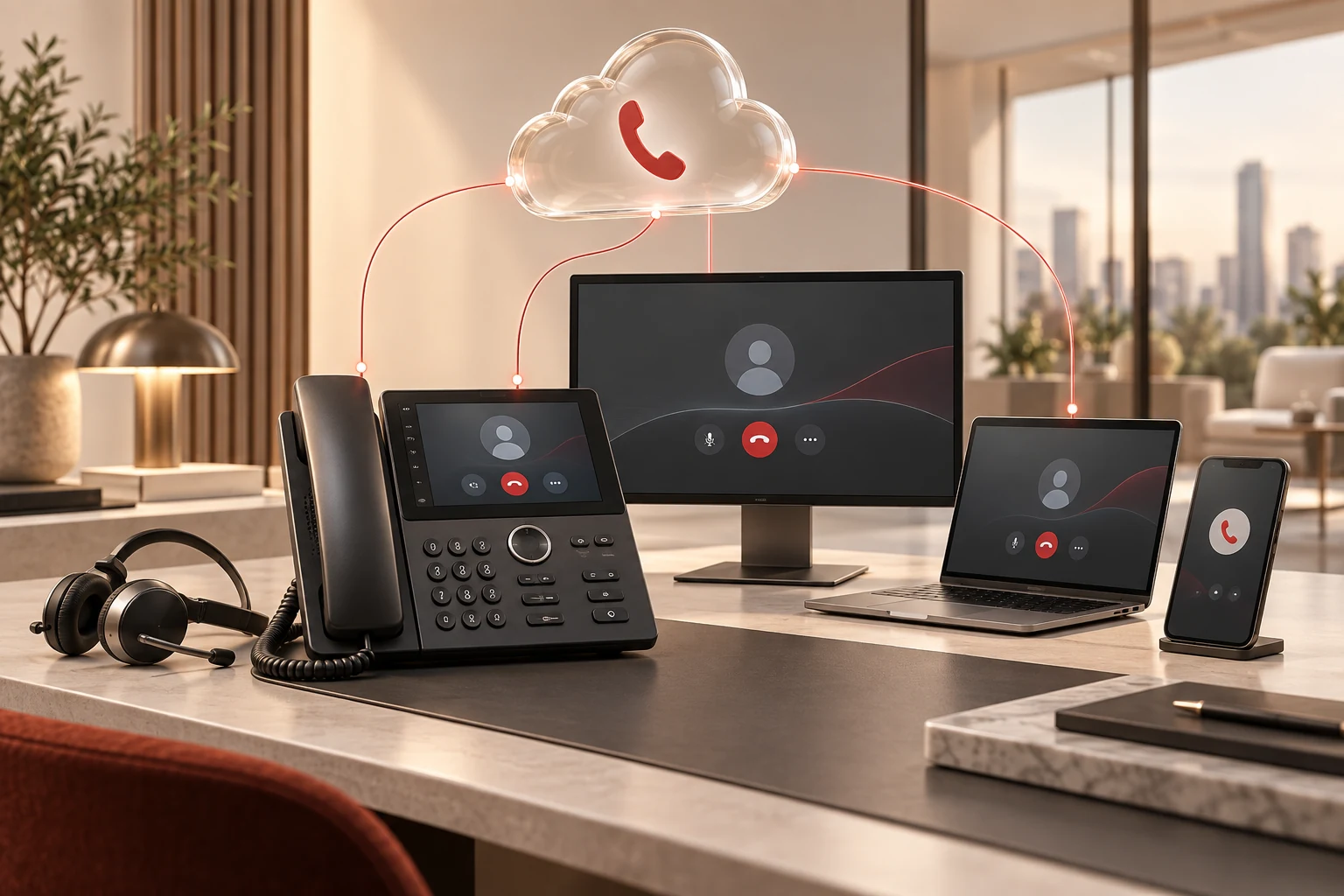
Connect desk phones, computers, and mobile staff.
03
Keep phone support simple
Give changes and issues a familiar support route.
WHAT THIS LOOKS LIKE FOR YOUR BUSINESS
Make every call easier to connect and manage.
A good phone service connects the caller experience with the people, devices, and support behind it. We design both sides of that conversation.
Explore a situation. See how the work connects.
SERVICE IN ACTIONIllustrative workflow
A clear route from hello to help.
Business number
The caller reaches your company.
Call routing
A menu or group finds the right team.
Person or next step
Answer, transfer, or assign the message.
What we own
We configure greetings, routing, destinations, and unanswered-call handling.
Your team knows where the conversation goes next.
Keep the business number with the business.
One business identity
Customers call the company number.
Supported devices
Staff answer at the desk or on an app.
Shared follow-through
Messages reach their assigned owner.
What we own
We coordinate users, devices, access, connectivity, and provider support.
A supported calling experience across the places your team works.
CAPABILITY WITH CLEAR OWNERSHIP
A better experience on both ends of the call.
Give customers a clear route to the right person and give your staff a phone system they can rely on.
01 / SERVICE AREA
Welcome & route callers
Menus, extensions, groups, and forwarding.
Auto-attendants & call menus
Hunt groups, transfers & forwarding
Business-hours & holiday routing
Scope & technical details
Numbers & the caller welcome
Number porting & new numbers — Plan a move for eligible existing numbers, or provision new numbers around users, locations, and business needs.
Routing by called number — Send calls to the right extension or auto-attendant based on the number the caller dialed.
Auto-attendant / IVR — Use a greeting and menu choices to guide callers to the appropriate person or department.
Business-hours & holiday routing — Create approved schedules, greetings, and destinations for open hours, closed hours, and holidays.
Extension & name directory — Help callers and staff find the right extension through a configured directory.
Caller ID presentation — Configure supported business caller-ID information and review number ownership and provider requirements.
Routing & team coverage
Hunt groups — Distribute calls to a defined group of extensions using the supported ringing pattern.
Follow-me & call forwarding — Route calls to approved extensions or external numbers, with manual or configured automatic rules.
Simultaneous ringing — Ring supported devices or destinations together so staff can answer from the appropriate place.
Internal & external transfers — Move a call to another extension or an external contact using the supported transfer controls.
Transfer to voicemail — Send a caller to the appropriate mailbox when a conversation needs to continue later.
Call park & pickup — Place a call in a shared parking position and retrieve it from another supported phone.
Group pickup — Let an authorized team member answer a call ringing for another user or group.
02 / SERVICE AREA
Connect your team
Desk phones, desktop, mobile, and browser calling.
Desk phones & supported headsets
Desktop, mobile & browser calling
Extensions for office & remote staff
Scope & technical details
Everyday call control
Hold & resume — Place an active call on hold and return to the conversation.
Call waiting — See or hear that another call is waiting and use the supported hold and answer controls.
Call return & redial — Return a recent call or redial a number from the supported calling interface.
Do not disturb — Use a defined unavailable state and the associated voicemail or routing behavior.
Call screening & blocking — Apply approved screening lists, selective rejection, or anonymous-call rejection where supported.
Caller ID privacy controls — Configure permitted outbound caller-ID blocking, subject to provider and service requirements.
Desktop, mobile & browser calling
Business IP phones — Deploy supported desk phones, including compatible high-definition voice features.
Desktop & mobile softphones — Use the selected calling applications with your business extension on supported computers and mobile devices.
WebRTC browser phone — Make and receive calls through a supported browser and a correctly configured audio device.
Phone & softphone provisioning — Configure supported phones and application profiles, including available automatic or QR-based setup.
Multi-device access — Coordinate your extension, device choices, ringing behavior, and support across the agreed endpoints.
03 / SERVICE AREA
Keep conversations moving
Voicemail, fax, reporting, and supported integrations.
Voicemail & virtual fax
Call reports & recording controls
Supported business integrations
Scope & technical details
Voicemail, fax & notifications
Voicemail access & management — Retrieve and manage messages from supported phones, apps, email, or the web portal.
Voicemail forwarding — Forward a voice message to another authorized user when a colleague should handle it.
Message-waiting indicators — Use supported visual indicators and notifications to see that a message is waiting.
Virtual fax / web fax — Send and receive faxes through supported web or email-to-fax and fax-to-email workflows.
Email notifications — Configure approved email destinations for supported voice and fax notifications.
Team coordination & conferencing
Audio conference bridges — Bring multiple participants into an audio conference using the selected bridge service.
Conference bridge controls — Manage supported conference settings and controls from the available portal.
Intercom & paging — Coordinate internal announcements or calls through compatible phones and configured groups.
Busy lamp field & extension status — Use compatible devices to see supported extension states and coordinate availability.
Custom music on hold — Use approved audio for callers on hold, with suitable content rights and supported file formats.
Reporting & recording
Call logs & detail records — Review supported call history, destinations, timing, and other available call records.
Call statistics & reports — Use available reporting to review calling patterns and identify questions for your service review.
Automatic call recording — Enable a defined recording policy where supported, with required notice, consent, access, and retention controls.
On-demand call recording — Allow authorized users to start recording when permitted and after required notice and consent.
Recording access & download — Give approved users controlled access to available recordings and downloads under your retention policy.
Administration & user controls
Account & user web portal — Use supported administration and user portals to manage the phone environment.
Profile management — Maintain user and extension details through the available profile controls.
Forwarding & screening management — Maintain the agreed forwarding rules and screening lists with appropriate user permissions.
Mailbox & fax management — Manage supported voicemail and fax settings, access, and notification destinations.
Calling allowance & capacity planning — Review destinations, US/Canada calling allowances, international needs, concurrent calls, and applicable service terms.
04 / SERVICE AREA
Plan the transition
Numbers, Teams Phone, connectivity, and support.
Number porting & new numbers
Teams Phone & SIP planning
Network readiness & user training
Scope & technical details
Move with a plan
Review number porting, devices, network readiness, call flows, and staff training.
Confirm port eligibility before changing existing service
Review emergency-location information and special-use lines
Validate routing and hand over support
Microsoft Teams & SIP
As your Microsoft CSP, we assess Teams Phone licensing and an appropriate calling connection. SIP and business-network dependencies are scoped explicitly.
Recording & business texting
Review required notices, consent, permissions, retention, and provider registration. Business SMS/10DLC is a separately scoped service.
Features and allowances depend on the selected plan. VoIP relies on power, internet, and current emergency-location information; keep an alternative way to reach emergency services.VoIP, 911 & recording notice SMS & 10DLC terms
THE LOGIC NETWORKS DIFFERENCE
We care about the person trying to reach you.
The call flow, network, carrier, and user experience all shape that first hello. We take ownership across those connections, so your team has a familiar partner for changes and support.
We review number-porting eligibility and Teams Phone compatibility, licensing, and connectivity. Users, extensions, phone numbers, and concurrent calls are separate quantities that we confirm together.
How is the service scoped?
Features and allowances depend on the selected plan. VoIP relies on power, internet, and current emergency-location information; keep an alternative way to reach emergency services.
What happens in the consultation?
Tell us how calls reach your team today and where the experience breaks down. We discuss priorities, identify what needs discovery, and agree a useful next step. Any assessment, proposal, or implementation scope is confirmed together.
LET’S PUT OUR HEADS TOGETHER
A conversation about your business.
01Users, phone numbers, and locations
02Menus, departments, and after-hours routing
03Porting, Teams Phone, and connectivity needs
Bring what you know. We’ll work through the rest with you.
YOUR NEXT STEP
How should a great call reach your team?
Tell us how calls reach your team today and where the experience breaks down.